

PC Build Guides for Quebec
Free expert recommendations for every budget — gaming, office, or creative work. Verified parts, CAD pricing, compatibility checked on the essentials.
Interactive Tutorial
How to Build a PC — Interactive Beginner Tutorial
Step-by-step wizard · checklist · troubleshooting · AI help
- Step-by-step wizard
- Interactive checklist
- Built-in troubleshooting
- AI help at every step
By use case
Pick the use-case profile that fits you.
Gaming
Builds for 1080p, 1440p and 4K gaming.
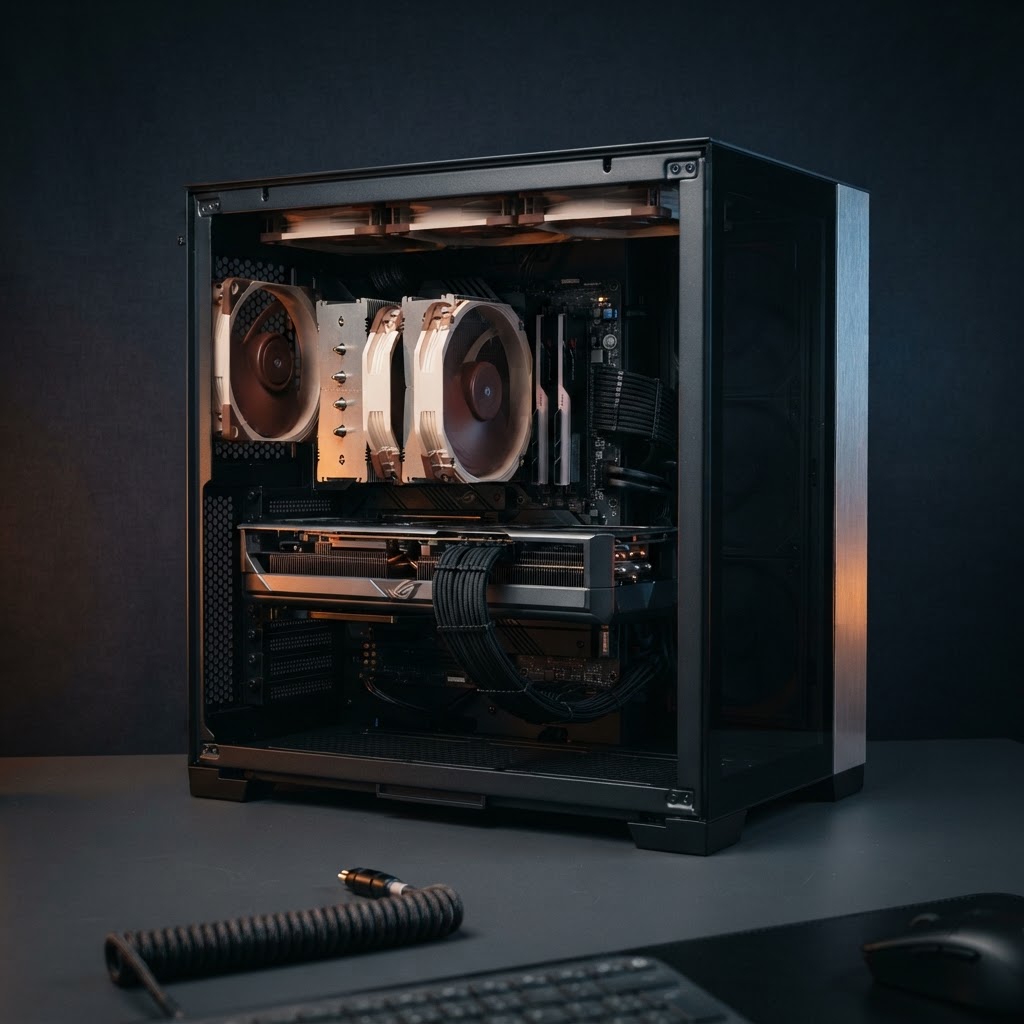
PC Gaming à 1 500 $
Le sweet spot 1440p. Ryzen 7 + RTX 4070 Super pour 144+ FPS sur les jeux compétitifs.
- AMD Ryzen 7 7700X
- NVIDIA RTX 4070 Super
- 32 Go DDR5-6000
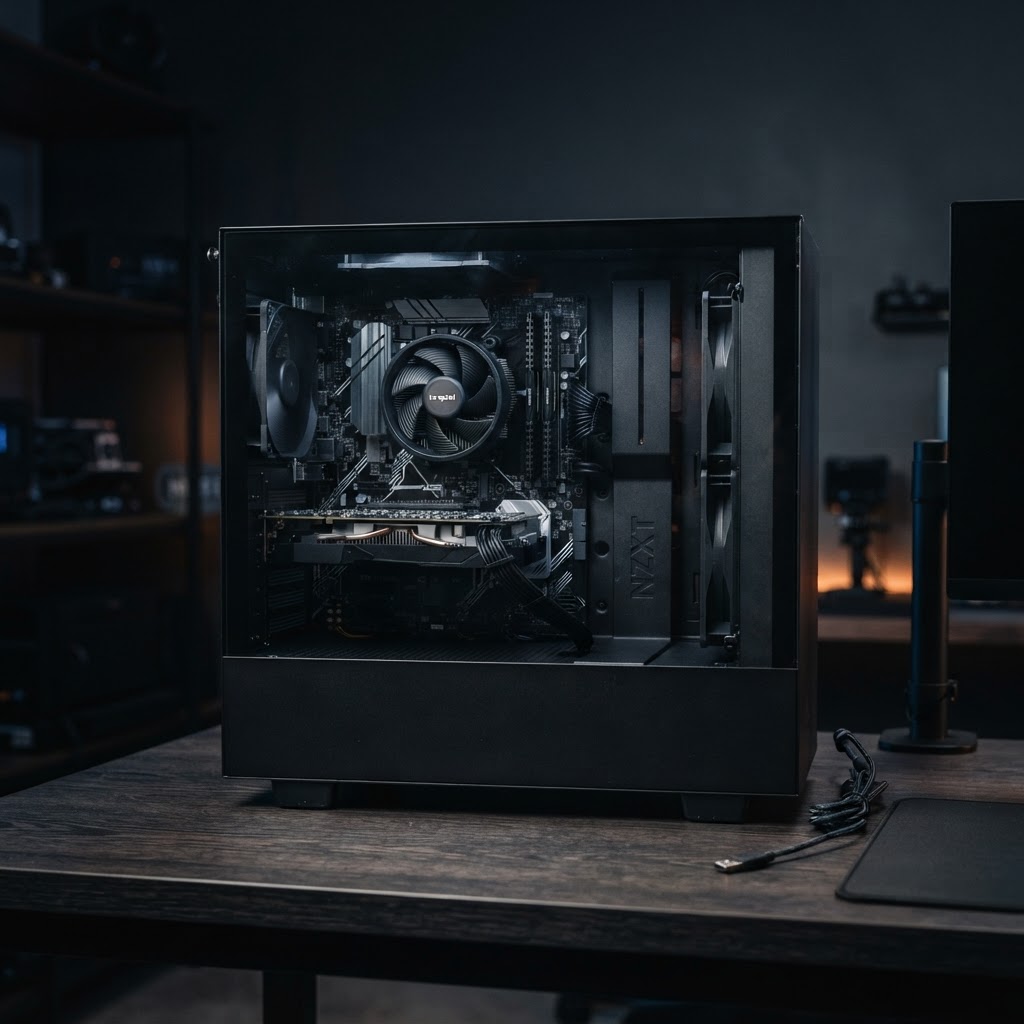
PC Gaming d'entrée de gamme
Premier build sans compromis. 1080p ultra à 100+ FPS sur les jeux populaires de 2026.
- AMD Ryzen 5 7600
- RTX 4060
- 16 Go DDR5-5600
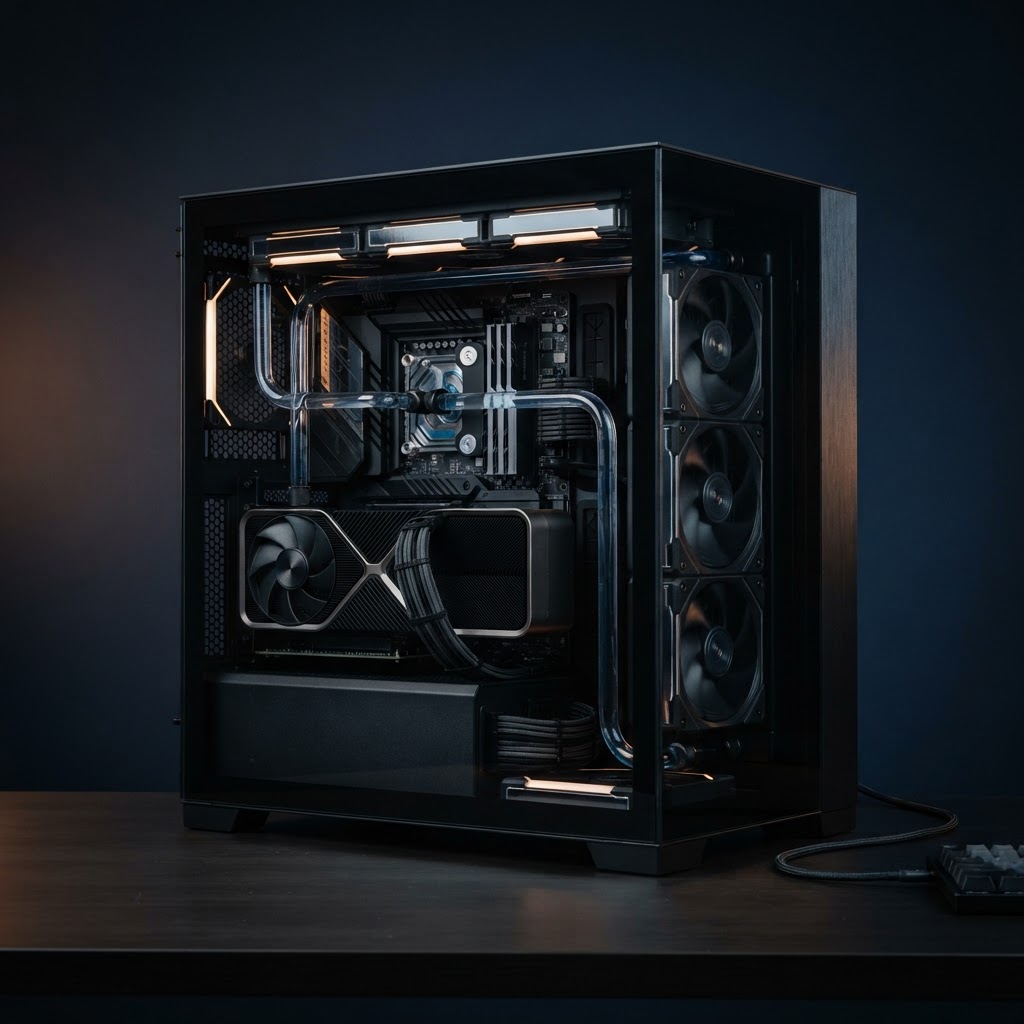
PC Gaming 4K Ultra
Le top du top. 4K natif à 120+ FPS, ray tracing activé, refroidissement liquide.
- Intel Core i9-14900K
- RTX 4090
- 32 Go DDR5-7200
Office
Office, remote work and studies.
Creative
3D rendering, video and heavy photo work.
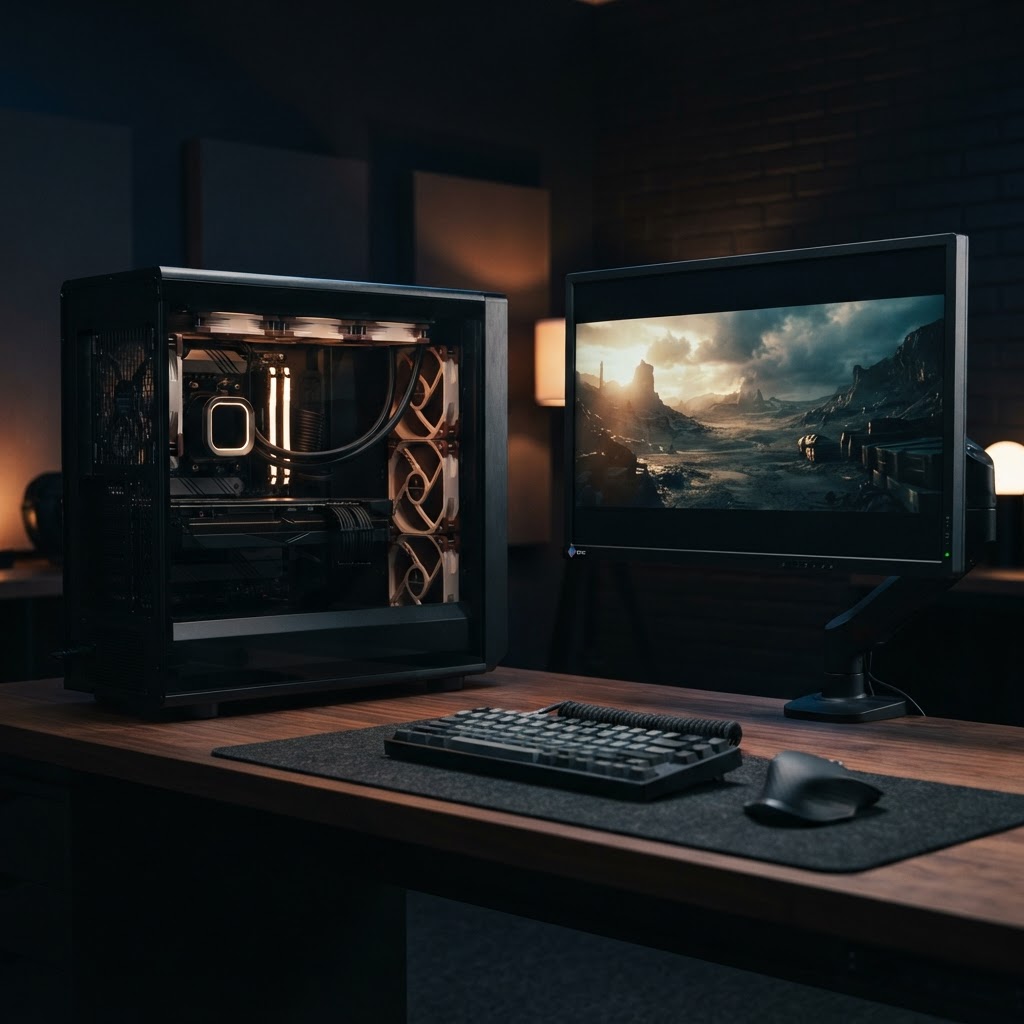
Station de création 4K
Pensée pour DaVinci Resolve, Blender et Premiere. 32 Go de VRAM pour les projets lourds.
- AMD Ryzen 9 7950X
- RTX 4080 Super
- 64 Go DDR5-6000
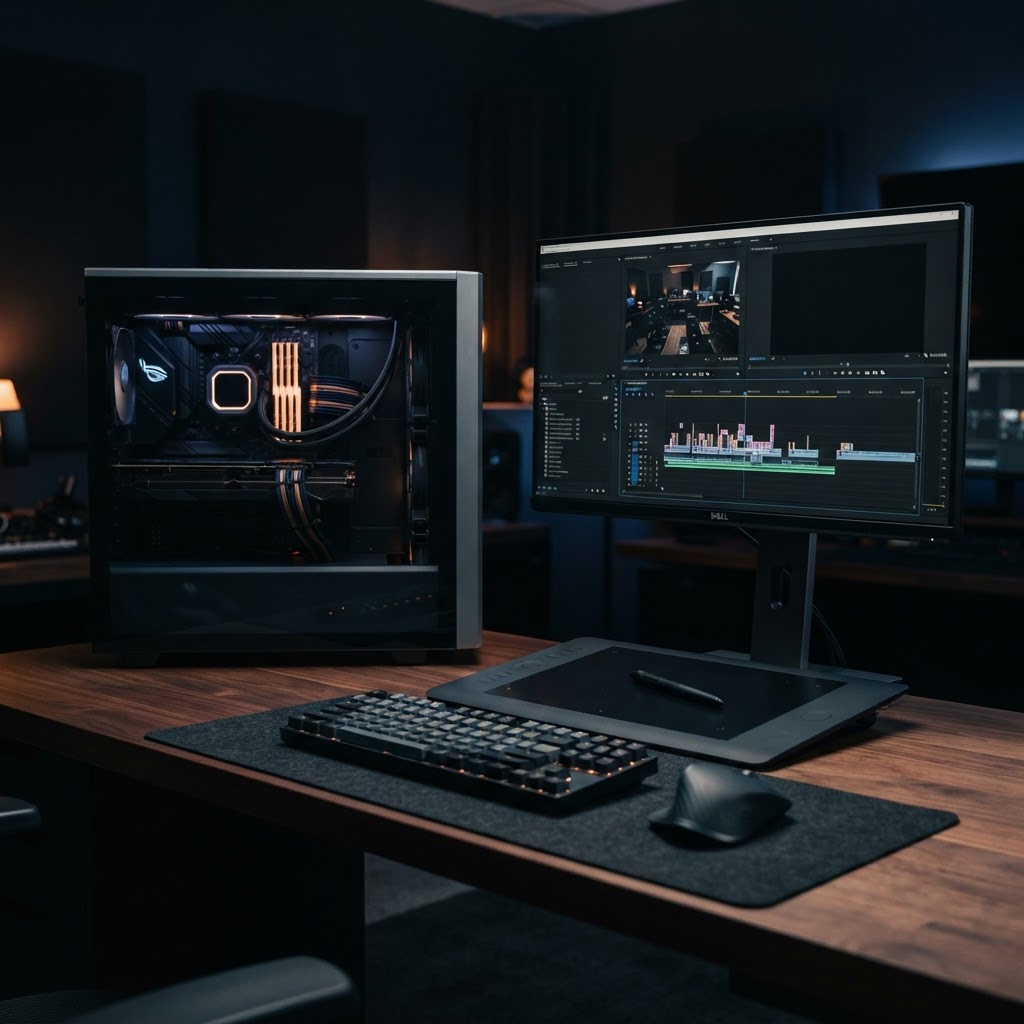
Studio création abordable
Premier setup sérieux pour Photoshop, Lightroom et montage 1080p/1440p sans accroc.
- AMD Ryzen 7 7700
- RTX 4060 Ti 16 Go
- 32 Go DDR5-5600
All Guides
Browse the complete CoreForge guide library.
PC Gaming à 1 500 $
Le sweet spot 1440p. Ryzen 7 + RTX 4070 Super pour 144+ FPS sur les jeux compétitifs.
- AMD Ryzen 7 7700X
- NVIDIA RTX 4070 Super
- 32 Go DDR5-6000
PC Gaming d'entrée de gamme
Premier build sans compromis. 1080p ultra à 100+ FPS sur les jeux populaires de 2026.
- AMD Ryzen 5 7600
- RTX 4060
- 16 Go DDR5-5600
Station de création 4K
Pensée pour DaVinci Resolve, Blender et Premiere. 32 Go de VRAM pour les projets lourds.
- AMD Ryzen 9 7950X
- RTX 4080 Super
- 64 Go DDR5-6000
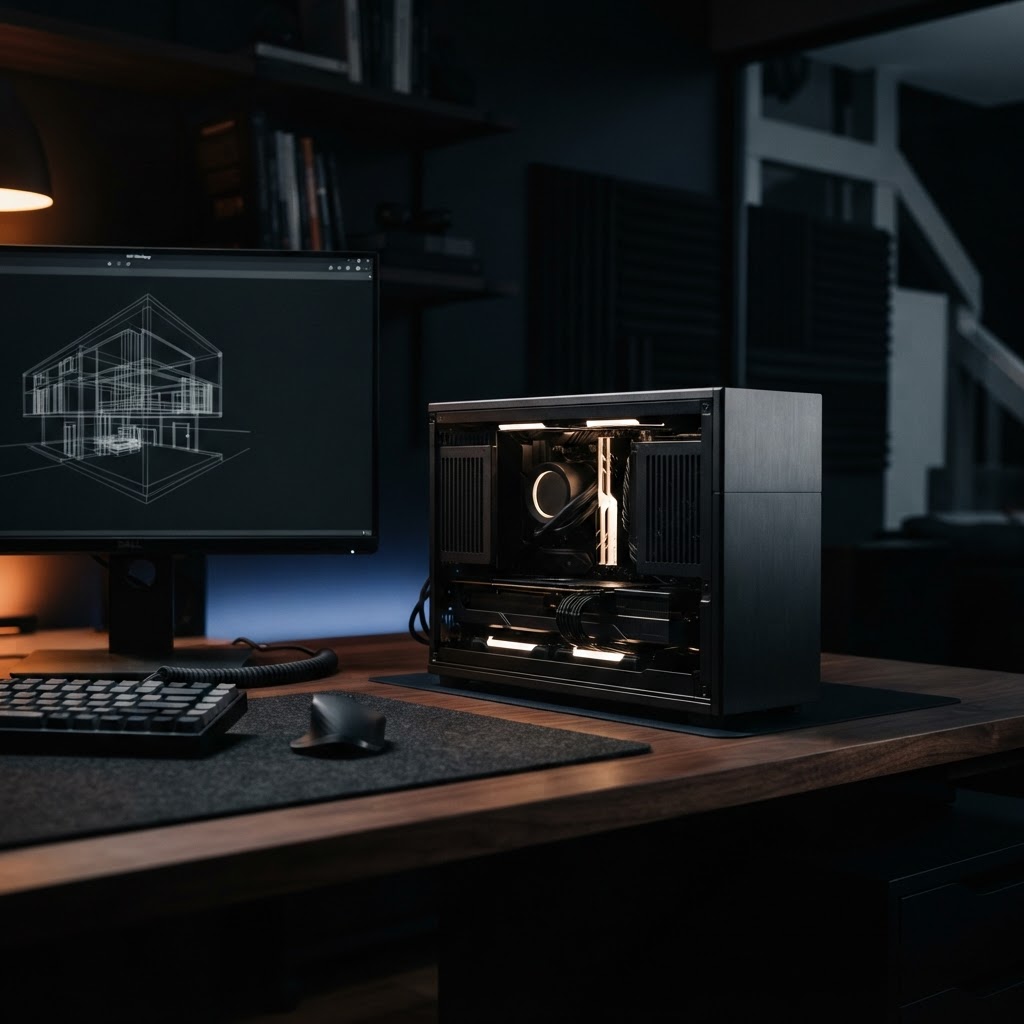
PC Bureautique silencieux
Idéal télétravail et études. Multi-écrans, démarrage instantané, presque inaudible.
- Intel Core i5-14400
- iGPU intégré
- 16 Go DDR5
PC Gaming 4K Ultra
Le top du top. 4K natif à 120+ FPS, ray tracing activé, refroidissement liquide.
- Intel Core i9-14900K
- RTX 4090
- 32 Go DDR5-7200
Studio création abordable
Premier setup sérieux pour Photoshop, Lightroom et montage 1080p/1440p sans accroc.
- AMD Ryzen 7 7700
- RTX 4060 Ti 16 Go
- 32 Go DDR5-5600
Beginner path
New to PC Building?
Follow the guided 4-step path to understand, choose, and assemble.
Start the interactive tutorialLearn the Parts
CPU, GPU, RAM, storage — what each part does.
Choose compatible parts
Socket, PSU, case and cooling fit.
Build the PC
Step-by-step install, static safety.
Install & test
First boot, BIOS, troubleshooting.
Apply it
Put Your Knowledge Into Practice
Apply what you’ve learned with CoreForge’s tools.
AI Builder
Deterministic recommendations from verified parts.
System Builder
Configure your PC manually, part by part.
Performance Estimator
Estimate FPS and benchmarks.
Build Validator
Verify a build’s compatibility.
Your budget → your guide
Enter your budget and get a full build with parts, prices, and estimated performance.
Already know which parts you want?
Skip the guide — build your PC directly in the configurator.
Frequently Asked Questions
Practical answers to common questions about choosing, building and upgrading a PC.
- A complete desktop PC generally needs a processor, compatible motherboard, memory, storage, power supply, case and cooling. A dedicated graphics card is required for many gaming and professional workloads, although some processors include integrated graphics that may be sufficient for basic use.
- Compatibility depends on several factors, including CPU socket, motherboard chipset, memory type, case size, graphics card clearance, cooler clearance and power supply capacity. Always verify these specifications before purchasing components.
- There is no single ideal budget. The right amount depends on the games you play, your target resolution, desired frame rate and whether you need peripherals. A balanced build is usually better than spending most of the budget on one component.
- 16GB can still be sufficient for many games and everyday tasks, but 32GB provides more headroom for modern games, multitasking, streaming and creative applications. The best choice depends on your workload and budget.
- An SSD is recommended for the operating system, applications and games because it provides much faster access times than a traditional hard drive. HDDs can still be useful for inexpensive high-capacity storage.
- Your PSU should provide enough capacity for the CPU, graphics card and the rest of the system while leaving reasonable headroom. Compatibility also depends on the required power connectors and the physical PSU form factor supported by the case.
- Most desktop PCs can be upgraded, but upgrade options depend on the motherboard platform, case dimensions, power supply capacity and available expansion slots. Planning for future upgrades before buying can reduce the number of components that need to be replaced later.
- No. Many processors work very well with a quality air cooler. Liquid cooling can be useful for high-power CPUs, limited layouts or specific acoustic and aesthetic goals, but it is not mandatory for every PC.
- The best upgrade depends on what is limiting the system. The graphics card often has the biggest impact on gaming performance, especially at higher resolutions, while CPU, RAM or storage upgrades can matter in other situations. Check the current system before replacing parts.
- Start by defining the PC’s main purpose and budget. Then choose a compatible CPU and motherboard platform, followed by the GPU, memory, storage, power supply, case and cooling. CoreForge’s existing guides and compatibility tools can help you work through these steps.
Pas le temps de construire vous-même ?
Je peux assembler et tester votre PC pour vous. Service local québécois, réponse sous 24 h.
- Atelier au Québec — pickup ou livraison provinciale
- Réponse personnalisée sous 24 heures, en français
- Tests de stabilité et stress-test inclus
Les guides ci-dessus restent 100 % gratuits. Ce service est réservé aux personnes qui préfèrent déléguer l'assemblage.