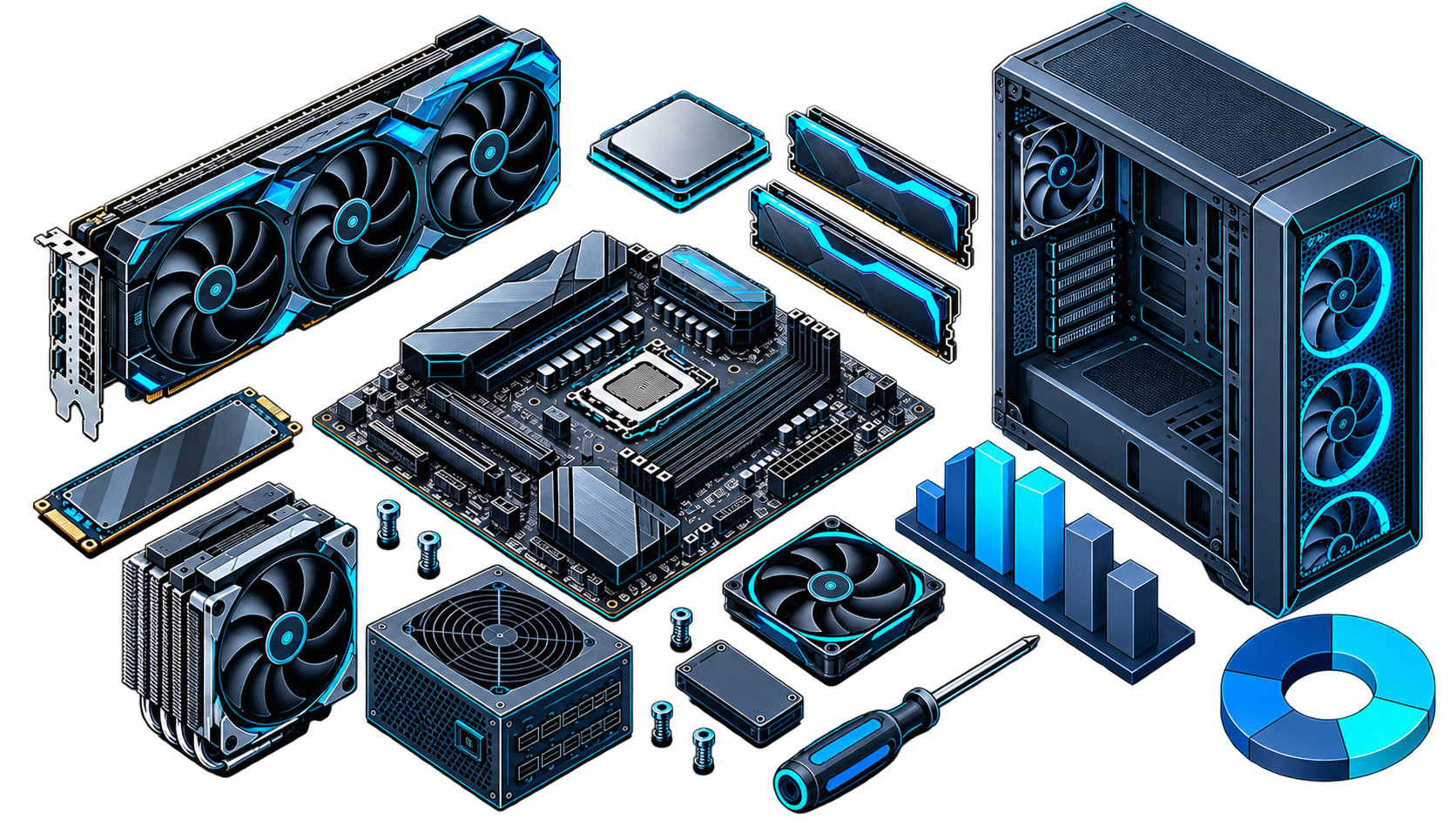

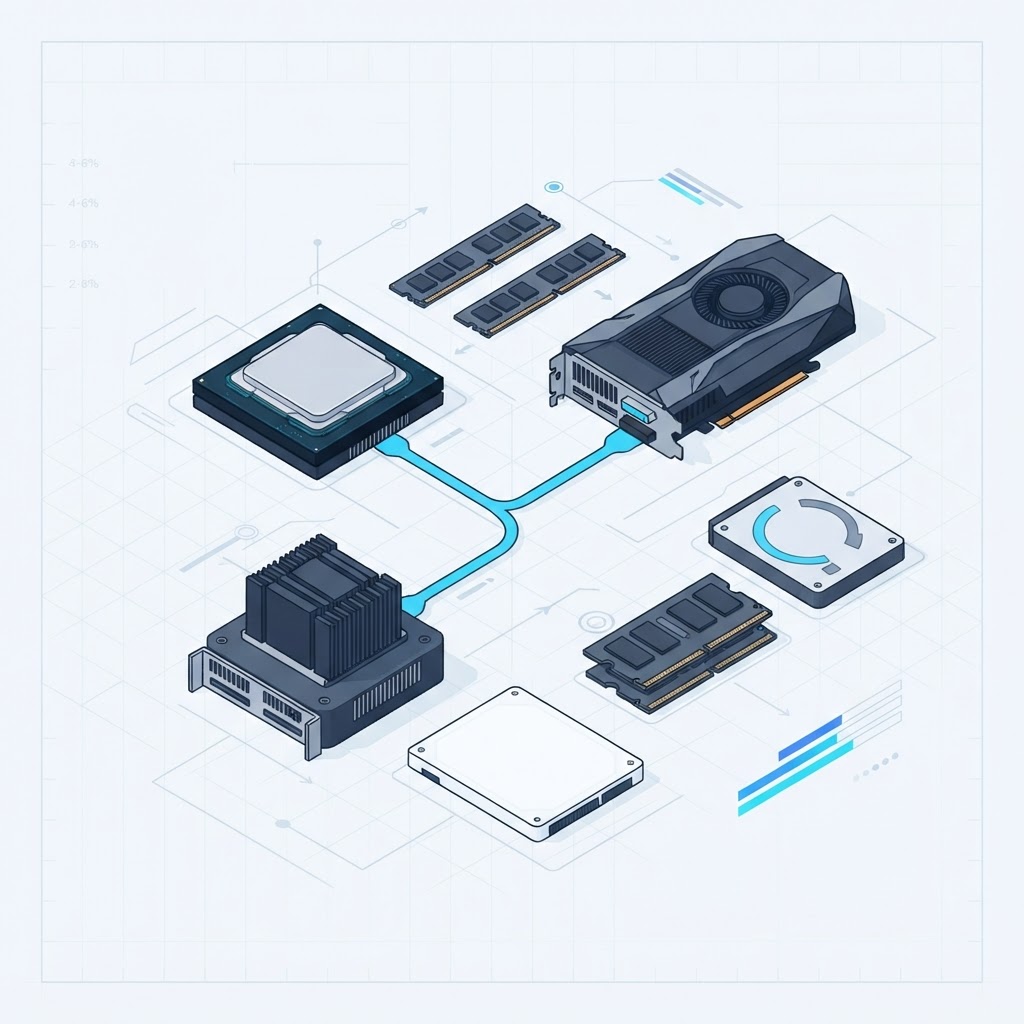
Building your dream PC isn't about buying the most expensive hardware, it's about creating a system that matches how you actually play, work, and create. Whether you're chasing high frame rates, editing 4K video, streaming, or just looking for the best value, choosing balanced components is what leads to long-term satisfaction.
Today's parts offer incredible performance at every budget. The real challenge isn't finding powerful hardware, it's knowing which combination makes sense for your goals. Below are seven build ideas for different users and budgets. Think of them as starting points, not shopping lists.
Before You Choose a Build
Ask yourself these questions first, because the answers make every other decision easier:
- What will you use the PC for most?
- What's your realistic total budget?
- Do you play at 1080p, 1440p, or 4K?
- Will you want to upgrade later?
- Do you prefer quiet operation or maximum performance?
- Minimalist look, or RGB-heavy?
New to how the parts fit together? Start with our guide to what every PC part does, then come back.
1. The Ultimate Gaming Powerhouse
Best for: 4K gaming, ray tracing, VR, and future-proof enthusiasts who want no compromises.
| Component | Direction |
|---|---|
| CPU | Ryzen 7 9800X3D (pure gaming) or Ryzen 9 9950X3D (gaming + creation) |
| GPU | Flagship tier RTX 5090 / RTX 5080 |
| RAM | 32–64 GB DDR5 |
| Storage | 2 TB+ PCIe Gen5 NVMe SSD |
| Cooling | 360mm AIO liquid cooler |
The Ryzen 7 9800X3D is currently the strongest pure-gaming CPU, while the 9950X3D adds heavy multi-core power for people who also create. Pair it with a flagship GPU from our GPU hierarchy. Honestly, this is aspirational for most people, but it's a joy if your budget allows.
2. The 1440p Sweet Spot
Best for: competitive gaming, high-refresh monitors, and excellent value. This is where most gamers should look.
- CPU: Ryzen 7 9800X3D (or a strong Ryzen 7 / Core Ultra 7)
- GPU: sweet-spot tier, RTX 5070 / RTX 5070 Ti / RX 9070
- RAM: 32 GB DDR5
- Storage: 1–2 TB NVMe SSD
- Cooling: quality air cooler or 240mm AIO
This delivers outstanding frame rates at 1440p for far less than a flagship. Perfect for competitive titles and modern AAA games alike. Not sure a pairing is balanced? Run it through our FPS Benchmark Estimator first.
3. The Content Creator Workstation
Best for: video editing, motion graphics, photography, and 3D rendering.
| Component | Direction |
|---|---|
| CPU | Ryzen 9 9950X3D or Intel Core Ultra 9 (high core count) |
| GPU | High-end RTX 5080 (GPU acceleration + VRAM) |
| RAM | 64 GB+ DDR5 |
| Storage | 2 TB NVMe (active projects) + large SSD (media library) |
| Cooling | Premium AIO |
Creative work rewards CPU cores, GPU acceleration, and fast storage together. Software like Premiere Pro, DaVinci Resolve, Blender, and After Effects all benefit. Fast NVMe cuts project load times; extra storage keeps big media libraries organized.
4. The Streaming & Multitasking Build
Best for: Twitch, YouTube, and gaming while streaming.
- CPU: Ryzen 7 (8 cores handle game + encode)
- GPU: sweet-spot tier, RTX 5070 (modern GPU encoders are excellent)
- RAM: 32 GB DDR5
- Storage: 2 TB NVMe SSD
- Case: quiet, high-airflow
Streaming means running OBS, browser tabs, Discord, and capture tools all at once. Eight cores plus 32 GB gives you headroom to game and stream without the system choking.
5. The AI & Development Machine
Best for: software development, virtual machines, machine learning, and local AI models.
- CPU: Ryzen 9 (high core count for compiling / VMs)
- GPU: high-VRAM card, an RTX 5090 or workstation GPU, depending on workload
- RAM: 64–128 GB DDR5
- Storage: multiple NVMe SSDs
- PSU: high-efficiency, with headroom
Developers usually prioritize memory, cores, and GPU VRAM over raw gaming speed. This setup handles Docker, VMs, large datasets, and local AI inference where VRAM and memory bandwidth matter most.
6. The Clean Minimalist Build
Best for: home offices, modern desks, and quiet rooms.
- CPU: Ryzen 7
- GPU: sweet-spot tier, RTX 5070
- RAM: 32 GB DDR5
- Case: clean white or black airflow case
- Cooling: low-noise fans, tidy cable management
Performance doesn't require flashy lighting. A minimalist build focuses on clean cable management, silent cooling, neutral colours, and great airflow. The result is a professional-looking machine that performs well and blends into any workspace.
7. The Budget Champion
Best for: students, first-time builders, entry-level gaming, and everyday productivity.
| Component | Direction |
|---|---|
| CPU | Ryzen 5 or Intel Core Ultra 5 / i5 |
| GPU | Budget tier RTX 5060 / RX 9060 XT |
| RAM | 16–32 GB DDR5 |
| Storage | 1 TB NVMe SSD |
| PSU | Quality 650–750W Gold |
A tight budget doesn't mean a poor experience. This is great for 1080p gaming, schoolwork, office tasks, light editing, and programming, and it's an excellent starting point, because every major part can be upgraded later. See our best gaming PC under $1000 CAD for a concrete parts list.
Principles That Apply to Every Build
Whichever build appeals to you, these hold true:
- Prioritize balance. A flagship GPU with a weak CPU creates bottlenecks, see our guide to PC bottlenecks. Aim for parts that complement each other.
- Buy enough memory. 16 GB for basic use, 32 GB for most gamers and creators, 64 GB+ for professional workloads.
- Invest in a quality power supply. A reliable PSU protects everything and simplifies upgrades. Our PSU wattage guide explains how much you need.
- Choose airflow over looks. A pretty case isn't enough if it chokes cooling. Look for mesh fronts and quality fans.
- Leave room to grow. Pick a motherboard, PSU, and case that support future upgrades.
CoreForge Tip
Found a build here that fits? Drop the parts into our free AI Builder to check compatibility automatically, or estimate real frame rates with the FPS Benchmark Estimator before you spend a dollar.
Final Thoughts
Your dream PC doesn't need to be the most expensive, it needs to fit your goals. Whether it's a competitive gaming rig, a creative workstation, an AI machine, or a budget everyday desktop, balanced components deliver better long-term value than chasing the newest flagship. Define your priorities, invest in reliable parts, and build with upgrades in mind.
Ready to start? Use our free AI Builder for a compatible build, browse PC parts, or read the 2026 GPU hierarchy to match a card to your monitor.