Building a Work From Home PC in Quebec in 2026: What You Actually Need — CoreForge
ℹ️ This page contains affiliate links. As an Amazon Canada Associate, we earn from qualifying purchases. Prices are estimates converted from CAD.
guide
Building a Work From Home PC in Quebec in 2026: What You Actually Need
What PC should you build for working from home in 2026? We separate what genuinely matters from what is a waste, with the Canadian angle: CAD pricing, small spaces, and the memory shortage.
Last updated August 25, 2026
CT
CoreForge Team August 24, 2026
Share this article
Most "work from home PC" guides try to sell you expensive graphics power you may never need. We're going to do the opposite here: tell you honestly where to put your money, and more importantly, where not to.
Because a work-from-home machine is not a gaming PC in disguise. The requirements are genuinely different, and once you understand that, you can save a meaningful amount of money without losing a second of productivity.
How to read these labels
OFFICIAL REQUIREMENT — a manufacturer or platform requirement (Microsoft, Intel, AMD, etc.).
MARKET OBSERVATION — time-sensitive price or availability information, shown with a check date.
What actually matters (in order of importance)
1. Memory, and this is the big story in 2026
Working from home means multitasking: plenty of browser tabs, Teams or Zoom running in the background, Excel, a PDF, your company software. Heavy multitasking can consume a surprising amount of memory. The processor still matters, but having enough RAM helps prevent active applications and browser tabs from competing for limited memory.
We also have to be straight with you about the market. This is a MARKET OBSERVATION, not a permanent fact.
If your budget is tight right now, 16GB can be a reasonable temporary configuration. But before assuming you can simply add two more sticks later, read the upgrade note below — four-DIMM DDR5 setups aren't guaranteed to keep their rated speed.
2. A genuine NVMe SSD
An SSD can significantly improve boot times, application launches, file access and overall system responsiveness compared with a mechanical hard drive. The difference between a good NVMe drive and the absolute fastest on the market is mostly invisible when you're opening Outlook — so spend sensibly here, don't chase benchmark numbers.
For capacity:
3. A processor — and verifying integrated graphics
Here's the move that can change your bill the most.
For typical work-from-home workloads — Office, browser, email, videoconferencing — many builds do not need a dedicated graphics card. Many current AMD and Intel desktop processors are available with integrated graphics, making it possible to build a capable productivity PC without a dedicated graphics card. However, integrated graphics availability depends on the exact processor model, so always verify the CPU specifications before buying.
4. Your monitor, webcam and mic
This is where people get it most wrong. You spend eight hours a day in front of your screen and your colleagues see you through your camera. These components define your work-from-home experience more than the inside of the tower.
A decent webcam and a reasonable mic make you look professional on calls. This is worth investing in.
Where to stop spending
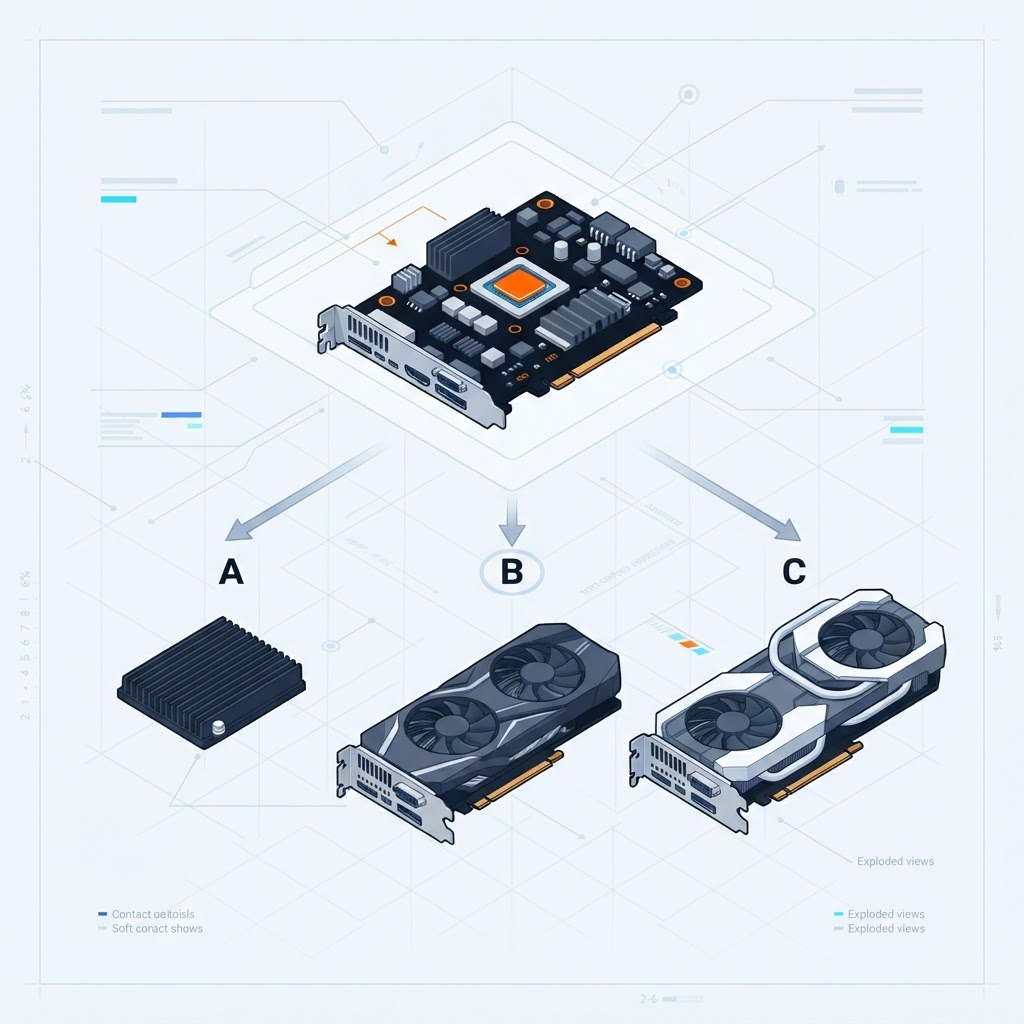
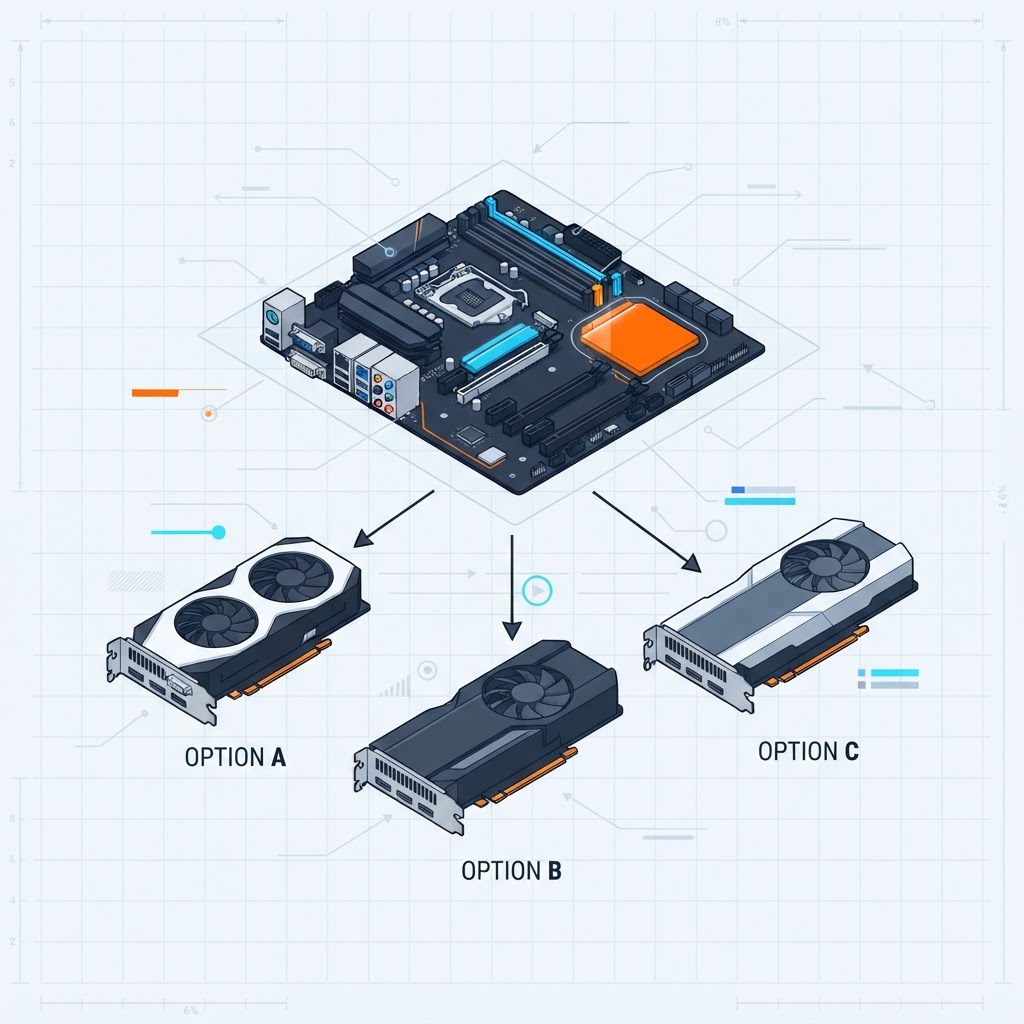
A dedicated GPU, for most office users
That doesn't mean a GPU is never useful. A dedicated GPU may make sense for:
video editing
3D rendering
CAD
GPU-accelerated applications
AI workloads
gaming
specialized professional software
If your software actually uses GPU acceleration, the calculus changes — and that's the test, not marketing letters on a box.
An overkill CPU
A top-tier gaming CPU is extraordinary at what it does. For answering email, it's like buying a race car to go to the grocery store. Match the CPU to the workload.
RGB lighting
No meaningful impact on productivity. Buy it if you enjoy it; don't pay extra for it in a work machine.
Extreme overclocking and cooling
Noise depends on the actual products and their fan/pump configuration — air cooling is not automatically quieter than every liquid setup. Judge by specific parts and reviews.
Oversized power supply
Always size the power supply according to the actual CPU, GPU and other components in the build. A good mid-range PSU beats a big mediocre one.
Three example profiles
Essential: office and video calls
For the majority of remote workers — email, Office suite, browser, video meetings, light company software.
A current mainstream processor with verified integrated graphics
16GB DDR5 (two sticks; leave slots free if you plan to add later)
1TB NVMe SSD
A B650-class or equivalent Intel motherboard
A quality 450–550W PSU
A sensibly sized air cooler
A compact case with good airflow
No dedicated GPU for this profile, unless your software needs one.
CoreForge newsletter
Get our weekly Quebec PC deals digest — no spam.
Comfort: heavy multitasking and larger workloads
For juggling large files, multiple heavy applications, databases, or simply wanting headroom. Note: multi-monitor support depends primarily on your graphics capability and display connectivity, not on RAM alone — these are separate decisions.
A current 8-core-class processor with verified integrated graphics
32GB DDR5 if the price allows, otherwise 16GB now and an upgrade later (check the motherboard QVL first)
A 2TB NVMe SSD, or 1TB plus a second drive
A motherboard with good networking (2.5 GbE, Wi-Fi 6E)
A 550–650W PSU
Demanding: creative remote work
If your remote work includes video editing, design, 3D or development with virtual machines, then yes, a dedicated GPU can become relevant. For that profile, our dedicated content-creation guide covers it in depth. The rule stays the same: a GPU is justified only if your software actually uses it.
The Quebec angle (what US guides miss)
Prices are in Canadian dollars, plus taxes. A build advertised at an X USD price doesn't cost X here. Remember that advertised component prices may not include applicable sales taxes. In Quebec, factor GST and QST into your final purchase budget. Prioritize CAD pricing from Canadian retailers and don't automatically convert US prices when Canadian listings exist.
Condo space. Many remote workers in Montreal or Laval work in a corner of a living room or a converted bedroom. A mini-tower or compact case often makes more sense than a full tower. Just confirm CPU cooler clearance — some popular air coolers are around 155mm tall.
Noise. If you share the room with a partner or kids, quietness matters. Without a discrete GPU, a work-from-home build can be assembled to be very quiet. That's a real benefit of the no-GPU route.
Tax considerations
Home-office tax rules depend on whether you are an employee, a commissioned employee or self-employed. For salaried employees, purchasing a computer, monitor, keyboard, mouse, webcam or similar equipment is generally not deductible as a home-office employment expense under current CRA rules. Eligible employees may be able to claim certain workspace expenses under specific conditions. Self-employed taxpayers follow different rules.
Winter and electricity. Skipping a power-hungry discrete GPU can reduce system power consumption. Actual electricity costs depend on the hardware, workload, usage time and electricity rate. We're not publishing a yearly-savings number because we haven't measured this specific system — and you shouldn't trust a savings figure that doesn't show its assumptions.
Common traps
Buying RAM at the peak. DDR5 pricing is volatile. Check price history before buying in 2026.
Neglecting Wi-Fi. Nothing derails a meeting like an unstable connection. If Ethernet is impractical, choose a motherboard with reliable built-in Wi-Fi. Wi-Fi 6E or newer can be useful when your router and network environment support it. For a fixed workstation, wired Ethernet remains an excellent option when available.
Reusing an old monitor by default. Don't automatically reuse an old display simply because it still works. If you spend many hours at the computer, display size, resolution, ergonomics and text clarity deserve serious consideration. A 1080p panel can be perfectly fine — just make it a considered choice, not the default.
Copying a gaming config from Reddit. The needs are completely different. You'll pay for graphics headroom you may never touch.
Don't forget Windows 11 compatibility
A new build intended for Windows 11 should meet Microsoft's current requirements. We link rather than restate from memory, because these can change.
If you plan to run one, two or three monitors, verify the exact combination before buying:
your CPU's integrated graphics (does that model have it?),
the motherboard's video outputs (HDMI version, DisplayPort version, USB-C / Thunderbolt where applicable), and
your monitors' inputs.
Integrated graphics can support modern productivity displays, but the exact number of monitors, maximum resolution and refresh rate depend on both the processor and the motherboard's available display outputs. Don't promise yourself a specific resolution or refresh rate without checking the exact hardware.
Don't forget backup
The SSD inside your PC should not be the only copy of important work files. Keep at least one separate copy — a sensible strategy is a local backup plus a reputable cloud backup/storage service where appropriate. Pick whatever you'll actually keep consistent; "the drive it's saved on" is not a backup.
Plan for future upgrades
Before settling on a motherboard and case, consider: available RAM slots, M.2 slots, any SATA support you may still want, PCIe expansion, PSU capacity, case clearance, a future-GPU possibility, networking, and display outputs. The goal isn't to overspend today — it's to avoid replacing the whole system later when one small need changes.
In summary
A practical work-from-home PC in 2026 is: enough RAM for real multitasking, a fast NVMe SSD, a mainstream processor with verified integrated graphics, and a comfortable, high-quality monitor. No mandatory dedicated GPU for typical office work, no RGB tax, no overspending.
You can build a machine that fits your actual workload for far less than an equivalent gaming setup — simply because you buy what you genuinely need.
And if you want a hand putting it together, our configurator walks you through it step by step, with compatibility checking.
Sources & verification
This article was reviewed on August 25, 2026. Sources actually consulted:
Market pricing last checked: August 25, 2026 (DDR5). DDR5 prices can change week to week; verify on Amazon.ca, Newegg.ca, Canada Computers and Memory Express before purchasing.
Note on independent testing
CoreForge did not physically test every component named in this article. Where specific products are mentioned, confirm on the manufacturer's official product page. This is a CoreForge Editorial Analysis, not a hands-on lab test.